
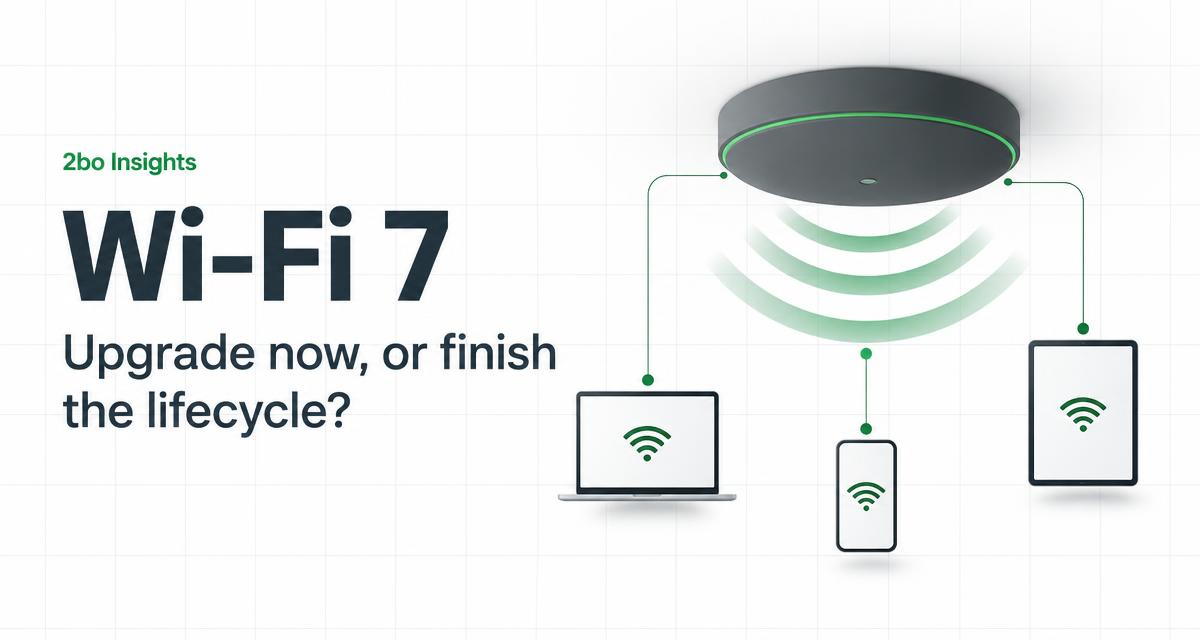
Wi-Fi 7 equipment is now widely available in South Africa, and vendors are pushing hard. That does not mean every business should rip out its wireless estate this quarter. It does mean that upgrade decisions made in the next budget cycle will shape network performance for the next five to seven years.
The honest answer for most organisations sits in the middle. Some sites genuinely need Wi-Fi 7 now. Others will gain more from a proper survey, better switching and updated cabling than from new access points bolted onto an old foundation.
What Wi-Fi 7 actually changes
Wi-Fi 7 combines wider 6 GHz channels, 4K QAM modulation and Multi-Link Operation, which lets a single device send traffic over two bands at once. The result is higher throughput, lower latency under load and better behaviour in crowded spaces such as open-plan offices, warehouses and conference areas.
- Multi-Link Operation is the real story: Older standards made each client pick one band. Wi-Fi 7 devices can use 5 GHz and 6 GHz simultaneously, which keeps video calls stable when the office fills up.
- 6 GHz is still clean spectrum: Fewer legacy devices mean fewer retries. In dense buildings where 2.4 GHz and 5 GHz are saturated, 6 GHz often delivers the biggest practical improvement.
- Client devices decide the payoff: Only Wi-Fi 7 clients use the new features fully. If most of your fleet is three or more years old, the access points alone will underdeliver.
When upgrading now makes sense
Some environments see immediate value from Wi-Fi 7. High-density sites such as conference venues, lecture rooms and open-plan corporate offices feel congestion daily. Warehouses running wireless scanners and tablets benefit from lower latency. Any site already on Wi-Fi 5 or first-generation Wi-Fi 6 hardware is close enough to end of support that the upgrade maths works.
New fit-outs are the clearest case. Cabling, cabinets and mounting positions are being decided anyway, so specifying Wi-Fi 7 access points and Cat6A cabling adds a small increment to the project while securing the estate for years.
When it is better to wait
- Healthy Wi-Fi 6 estates: If current coverage is verified, utilisation is moderate and hardware is under warranty, the performance gain rarely justifies replacement before end of support.
- Sites with structural problems: Poor roaming, dead zones and dropped calls are usually design faults, not standard faults. New access points on the same bad positions will repeat the same complaints.
- Older cabling and switching: Access points delivering multi-gigabit need power and uplinks to match. Multigigabit switches and Cat6A runs matter as much as the radio inside the ceiling.
A practical upgrade sequence
- 1
Audit the current estate
Model, age, firmware status and licence position for every access point, plus client device capability across the fleet.
- 2
Survey before you buy
A validation survey shows where coverage and capacity actually fail. Design the 6 GHz layer on evidence, not vendor brochures.
- 3
Check the foundation
Confirm switch PoE budgets, uplink speeds and cabling categories. Upgrade the path to the ceiling before the radio in it.
- 4
Phase by site, not by model
Roll out to the busiest or highest-risk sites first, capture user feedback and performance data, then schedule the rest.
The decision framework
Treat Wi-Fi 7 as part of a lifecycle, not an impulse purchase. If a site's hardware is within two years of end of support, its clients are mostly new, or its usage profile is dense and latency-sensitive, upgrading now is justified. If none of those apply, spend the budget on surveys, switching and cabling, and let the current estate finish its life.
2bo designs, surveys and deploys wireless networks across South Africa, from single offices to multi-site estates. We will tell you honestly whether Wi-Fi 7 is the right next step for your sites, or whether the foundation beneath it needs attention first.
Deciding on Wi-Fi 7?
2bo audits your wireless estate, surveys your sites and gives you a phased upgrade plan grounded in evidence, not vendor pressure.